Win City ID Verification: Complete Guide for Filipino Players
Why Win City Asks for ID Verification
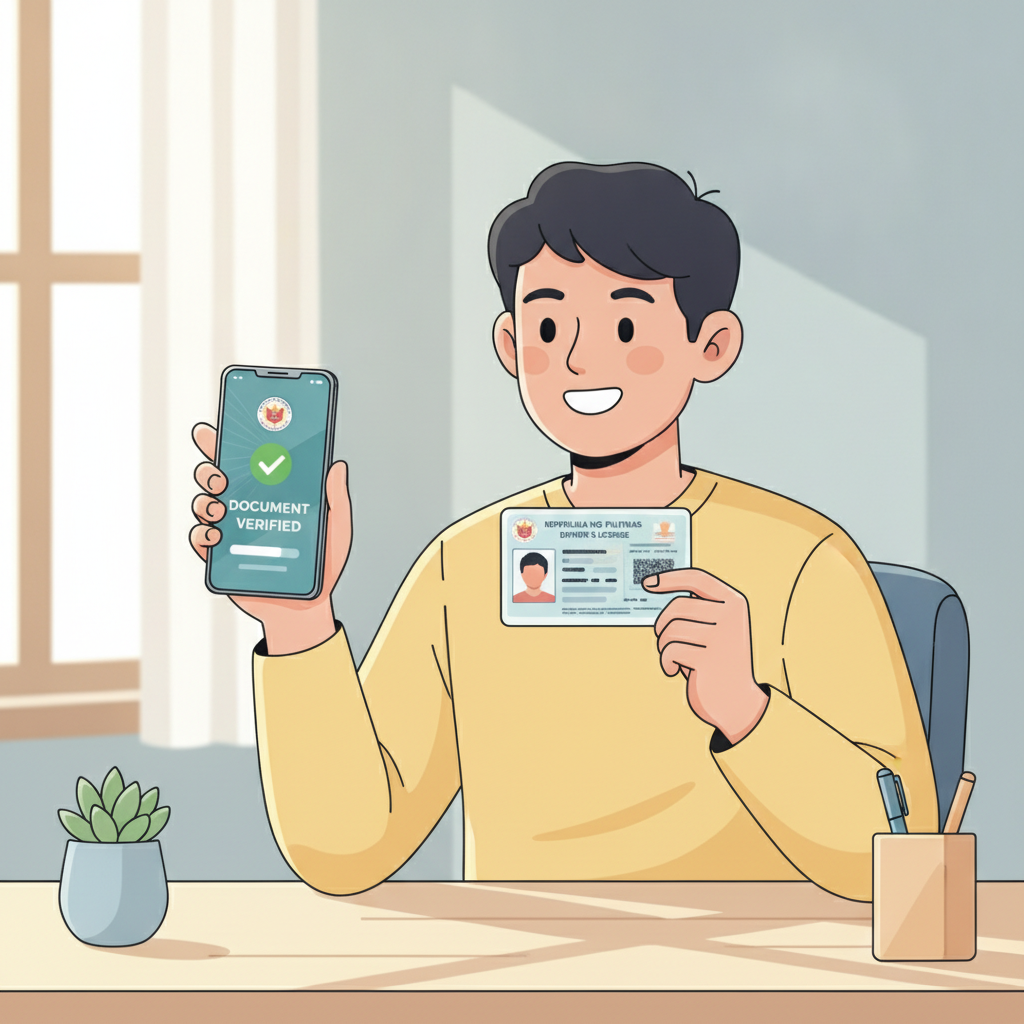
Win City requires every player to verify their identity before processing withdrawals. This is a standard security measure across online casinos and sportsbooks in the Philippines.
The platform uses ID verification to confirm that players are at least 21 years old, match the name on the account, and are using legitimate payment methods. This protects both the player and the platform from fraud, underage gambling, and unauthorized account access.
Most Filipino players can complete Win City login and make their first deposit without verification. However, when you request your first withdrawal or reach certain deposit thresholds, the platform will ask you to submit documents. Some accounts may be selected for verification earlier, depending on account activity.
Planning ahead and uploading your ID early can save time later. Once verified, future withdrawals to GCash, Maya, or bank transfer typically process faster.
Accepted Philippine IDs for Win City Verification
Win City accepts several government-issued IDs from the Philippines. Your document must be valid (not expired) and show your full name, date of birth, photo, and ID number.
Driver's License: The most commonly used ID for online casino verification in the Philippines. Make sure both the front and back are clearly visible, as the back often contains important details.
Philippine Passport: Accepted for Win City register and verification purposes. The bio page with your photo and personal details is required. Passports work well because the text is usually clear and the format is standardized.
UMID (Unified Multi-Purpose ID): Issued by the Social Security System (SSS), this card is widely accepted. Both sides of the card should be uploaded.
PhilSys ID (Philippine Identification System): The newer national ID is accepted. If you have the physical card, submit front and back photos. If you only have the PhilSys number and a printed copy, contact Win City support to confirm it will be accepted.
Postal ID: Also accepted, though less common. Ensure it is current and all text is legible.
Other IDs: Some platforms accept additional documents like the Professional Regulation Commission (PRC) ID, but it's best to use one of the five listed above for fastest approval.
All IDs must belong to the account holder. The name on your Win City account, your ID, and your GCash, Maya, or bank account must match exactly. Mismatched names are the most common reason for verification delays or rejections.
How to Upload Clear Photos of Your ID and Proof of Address
Good photo quality makes a big difference in how quickly Win City approves your verification. Blurry, dark, or cropped images often lead to resubmission requests that add days to the process.
Taking Photos of Your ID
Use your smartphone camera in a well-lit room. Natural daylight near a window works best, but avoid direct sunlight that creates glare or shadows.
Place your ID on a flat, dark surface—a table with a dark cloth or plain background helps the ID stand out. Hold your phone directly above the ID, keeping it level to avoid distortion.
Capture the entire ID in the frame. All four corners should be visible, with a small margin around the edges. Do not crop off any part of the card.
Make sure every word and number is sharp and readable. Check the photo by zooming in before uploading. If the text blurs when you zoom, retake the shot.
Front and back: Most IDs require both sides. The back of a driver's license, for example, often shows the address or additional verification details.
No filters or edits: Upload the original photo. Do not apply filters, adjust brightness heavily, or edit the image in any way. Win City's verification system may flag altered images.
Proof of Address (If Required)
Some accounts are asked to submit proof of address in addition to an ID. Accepted documents typically include:
- Recent utility bill (electric, water, internet) from the past three months
- Bank statement showing your name and current address
- Barangay certificate or clearance
- Government correspondence addressed to you
The document must show your full name and residential address that match your Win City account details. A bill in someone else's name, even if you live at that address, will not be accepted.
Take a clear, full-page photo of the document. If it's a multi-page statement, the first page with your name and address is usually enough.
Uploading to Win City
After logging in to your Win City account, navigate to the account or profile section. Look for "Verification," "KYC," or "Documents."
Select the document type from the dropdown menu (e.g., "Driver's License" or "Passport"). Upload the front image, then the back if required.
Some players upload images directly from their phone's photo library. Others use their mobile browser to access Win City and upload files. Either method works as long as the file is in a supported format—JPEG and PNG are most common.
Double-check that you've uploaded the correct side of the ID in the correct field. Swapping front and back images is a common mistake.
Once submitted, you'll usually see a confirmation message or a status change to "Pending Review."
How Long Verification Usually Takes and What to Expect
Win City ID verification typically takes 24 to 72 hours during business days. Most Filipino players see their accounts verified within two days if they submit clear, complete documents.
Verification may take longer during weekends, holidays, or high-volume periods when many players are registering or requesting withdrawals. If you submit documents on a Friday evening, expect to wait until Monday or Tuesday for a response.
What Happens During Review
A member of Win City's compliance or customer support team will review your uploaded documents. They check that:
- The ID is valid and not expired
- The name, date of birth, and photo match your account
- All text is legible
- The document has not been altered
If everything is in order, your account status will change to "Verified." You'll receive a confirmation email or SMS, and you can proceed with withdrawals to GCash, Maya, or bank transfer.
If Your Documents Are Rejected
Win City will notify you via email or in-app message if your documents do not meet requirements. Common reasons include:
- Blurry or low-resolution photos
- Partial ID visible (corners cut off)
- Expired document
- Name mismatch between account and ID
- Edited or filtered image
You'll be asked to resubmit. Follow the photo tips above and make sure every detail is correct.
If you're unsure why your documents were rejected, contact Win City support through live chat or email. They can provide specific guidance based on your submission.
Checking Your Verification Status
Log in to your Win City account and go to the verification or account settings page. Most platforms show one of these statuses:
- Pending: Documents uploaded and waiting for review
- Verified: Approved and complete
- Rejected or Action Required: Resubmission needed
You can also reach out to support via live chat if the status is unclear or if verification is taking longer than expected.
21+ Requirement and Responsible Gambling
Win City is available only to players aged 21 and over. ID verification confirms that every user meets this legal age requirement before they can withdraw funds. Underage gambling is prohibited, and accounts found to belong to players under 21 will be closed.
The platform is designed for entertainment. Players should only deposit what they can afford to lose and set personal limits on time and money spent. Win City offers tools such as deposit limits and self-exclusion options to help players stay in control.
If gambling is causing financial or personal problems, seek help from local support services. The National Center for Mental Health and other Filipino organizations provide confidential assistance.
Verification is a one-time process for most players. Once your account is verified, you can focus on enjoying slots, live dealer tables, PBA and NBA sports betting, and bingo—knowing your account is secure and withdrawals will process smoothly when you're ready to cash out.